How do I cancel my Carrot account?
To cancel your Carrot account, sign in to Carrot as the account owner, open Billing and choose Cancel membership (you can also get there from Account Settings, General, Danger Zone). Choose whether to cancel only the website or everything, answer the short survey, and confirm. Billing then shows "Subscription pending cancellation". Older versions of Carrot's help call the button Request Cancellation. Source: Carrot's help center, checked 14 November 2026.
Does Carrot have a contract or a cancellation fee?
Carrot describes no cancellation fee and no notice period in its cancellation articles. Future billing stops when you submit the request, and your account stays open until the end of the period you already paid for. Carrot points to its Terms of Service for the full refund terms, so read them if you signed anything special, such as an agency or setup agreement.
Can I get a refund from Carrot?
You can get a refund from Carrot only early on. According to Carrot's help center, cancelling your full membership within 30 days of starting it refunds the base plan automatically, within 5 to 10 business days. Add-ons are not refunded. After 30 days, Carrot describes no refund: your account simply runs until the end of the paid period.
What happens if I paid for a year of Carrot?
If you paid for a year of Carrot and cancel an eligible yearly plan within 30 days, Carrot refunds it and your access ends right away. After that, Carrot's help center says access normally lasts until the end of the period you paid for; it does not describe a partial refund for the unused months. The yearly plan saves 15% compared with paying monthly.
What happens to my Carrot website when I cancel?
When you cancel, your Carrot website stays online until the end of the period you already paid for. Carrot's help center does not say what happens to the site, its pages or its data after that, or how long anything is kept. Plan as if the site goes offline the day your paid period ends, and get everything you want to keep before then.
How do I export my leads from Carrot?
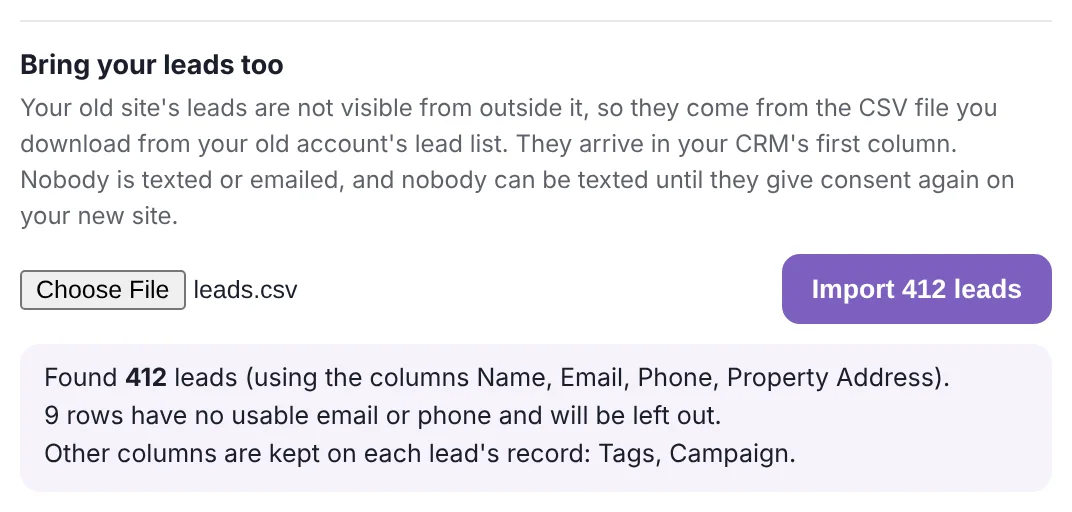
To export your leads from Carrot, open Content, then Forms, then Import/Export in your site's dashboard, and choose Export Entries. Pick a form, tick every field, and press Download Export File. You get a spreadsheet file (CSV). Carrot keeps leads per form, so repeat this for every form on your site.
Can I export my pages, blog posts and pictures from Carrot?
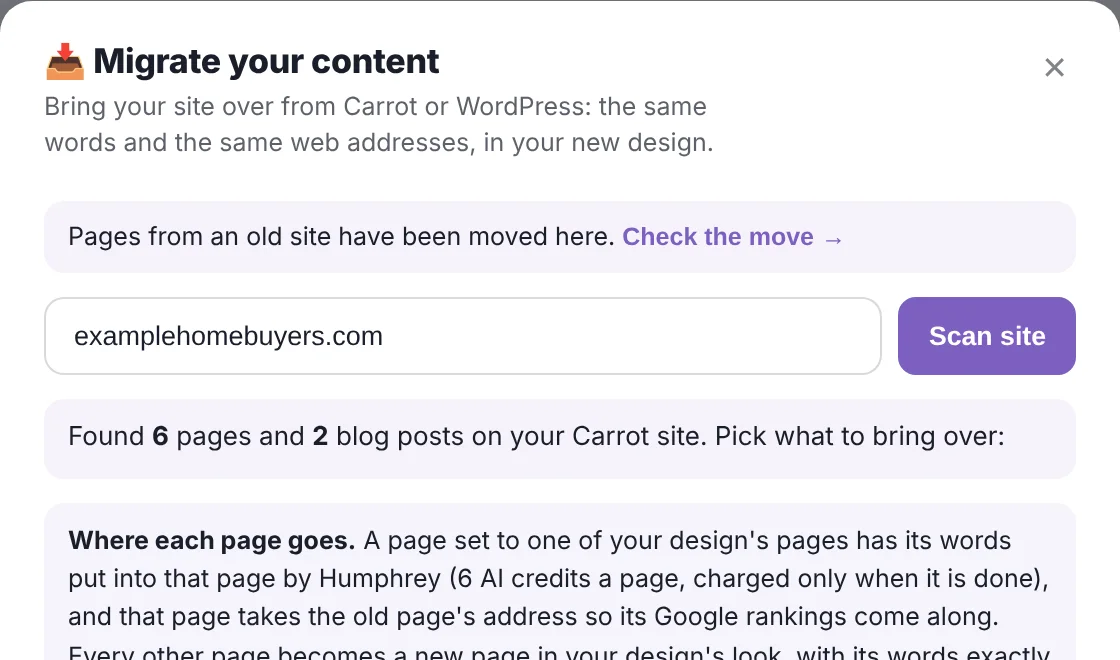
Carrot's help center does not describe a way to export your pages, blog posts or pictures as a download. They can still be read from your live site while it is online, which is how Apex Vivus brings them over: it scans your Carrot site and copies every page, post, picture and menu link into your new site, at the same web addresses.
Can I keep my domain when I leave Carrot?
Yes, you can keep your domain when you leave Carrot. Your domain (your web address, like yourname.com) is rented from a domain company, and Carrot itself recommends buying it at one rather than through a website platform. If you bought it yourself, you keep it and change one setting to point it at your new site. If Carrot or someone else set it up for you, ask them to move it into an account in your name before you cancel.
Will I lose my Google rankings if I leave Carrot?
You will not lose your Google rankings when you leave Carrot if you keep your domain and your web addresses. Google ranks individual pages by their address. If every page keeps its old address, Google finds the same pages where it left them. If an address changes, a permanent forward (a 301 redirect) sends visitors and Google to the new one. Rankings often move a little for one to two weeks while Google re-reads the site.
Can I cancel only the Carrot website and keep CarrotCRM?
Yes, you can cancel only the Carrot website and keep CarrotCRM. When you cancel, Carrot asks whether to cancel Carrot Web only, in which case your CRM stays, or everything. Billing then shows "Carrot Web pending cancellation". Keep in mind that the CRM included with the website is a limited version: 1 user, 3 follow-up sequences and 5 property reports a month.
Who can cancel a Carrot account?
Only the account owner can cancel a Carrot account. If an agency pays for or manages your Carrot account, Carrot says you cannot cancel it yourself and need to contact Carrot support.
Should I keep Carrot running for a while after I switch?
No, you should not keep Carrot running after you switch. Once your domain points at your new site, every page has been checked and a test lead has come through, Carrot is no longer doing anything for you. Cancel the same day, so you never pay for two websites. Your Carrot account stays open until the end of the period you already paid for anyway.
Does moving from Carrot to Apex Vivus cost anything?
Moving from Carrot to Apex Vivus has no fee for the move itself. Apex Vivus scans your Carrot site and brings over your pages, blog posts, pictures and leads. A page Humphrey fits into one of your design's pages uses 6 AI credits (60 cents); new pages and blog posts are free. Apex Vivus itself starts at $97 a month for your website and a full CRM with unlimited users.