Every section a seller-ready website needs.
Drag it on. Make it yours.
These are the blocks that come with your Apex Vivus website, running live on this page. Each one does a job: gets an offer started, turns a visit into a lead, books the walkthrough, or makes the case for selling to you. Pick a design, change the words and colours, press Save.
The seller walks the house.
Your website writes the offer.
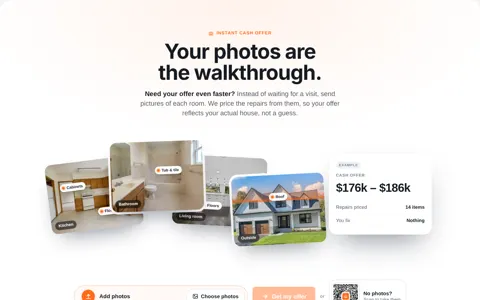
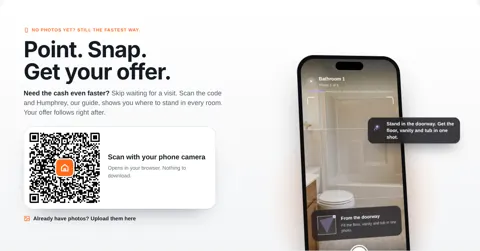
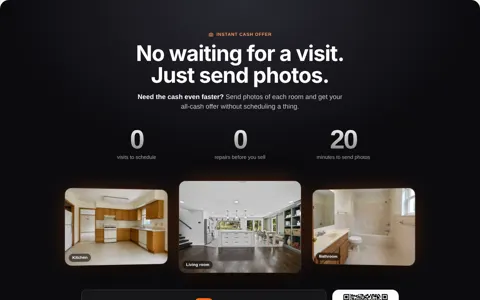
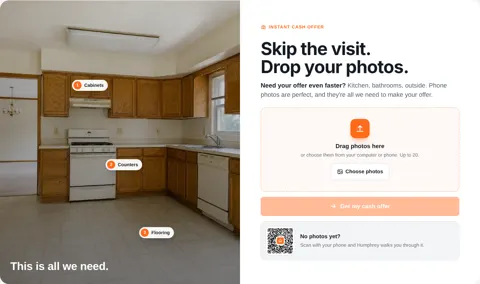
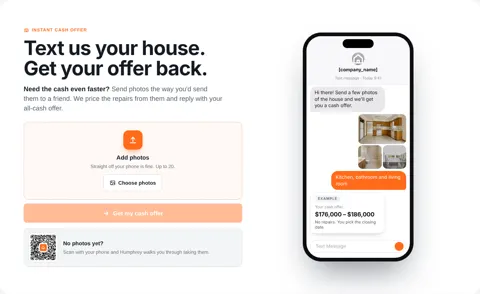
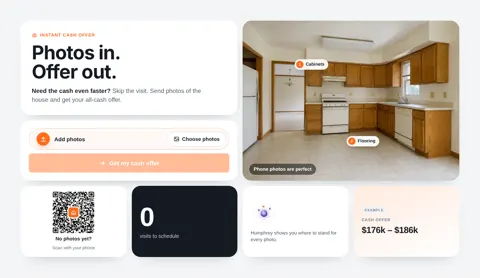
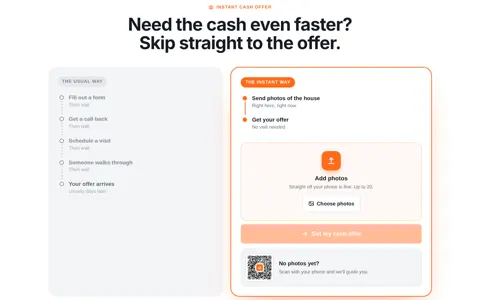
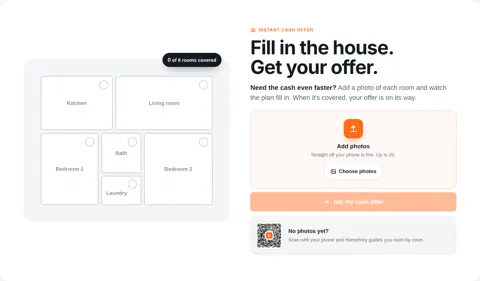
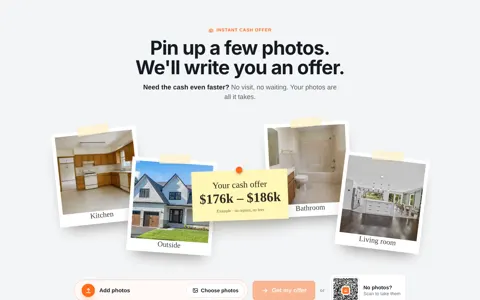
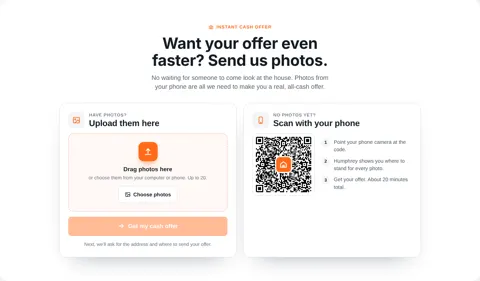
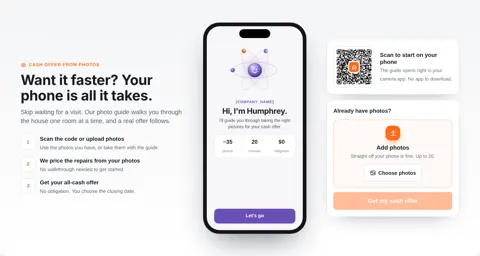
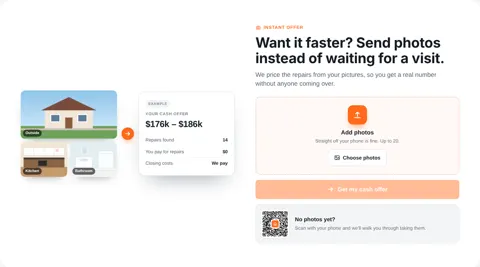
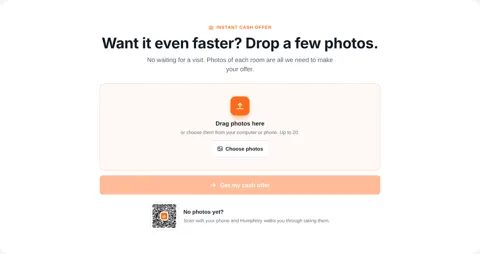
Humphrey guides the seller through every room on their phone. Apex Vivus reads the photos, prices the repairs from your own price list, pulls recent sales and works out an offer range. You check it and press Send, or let it go out on its own when every check passes.
The whole story of the Instant Offer Engine →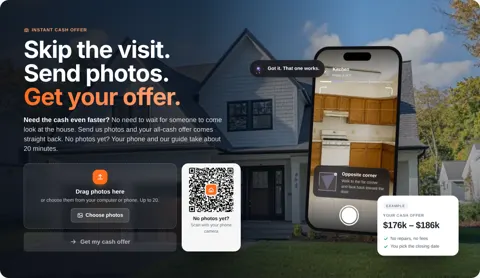

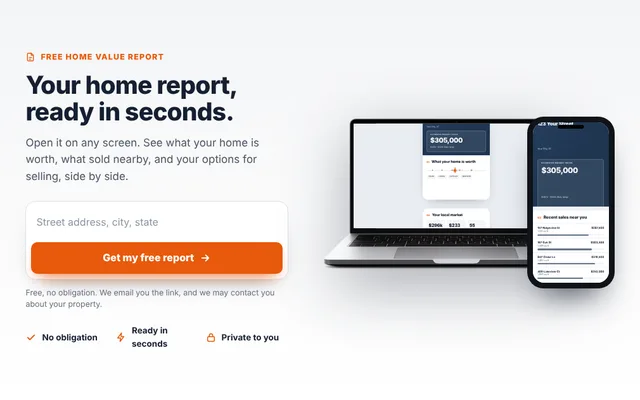
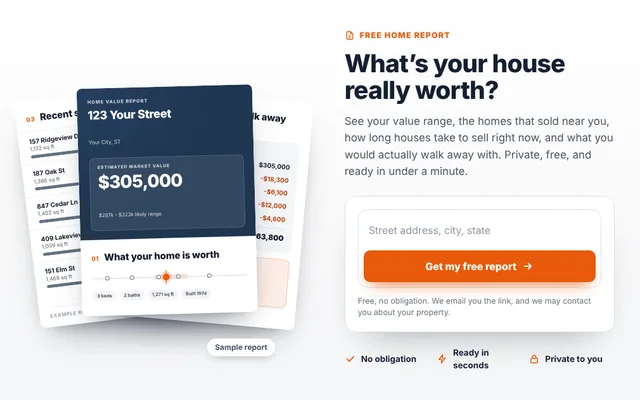
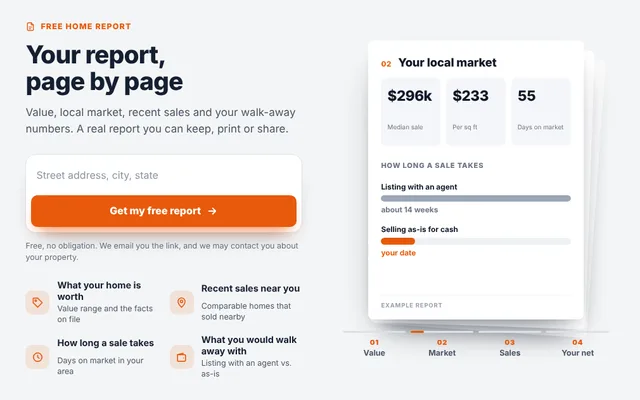
A free home value report
that keeps working after it is sent.
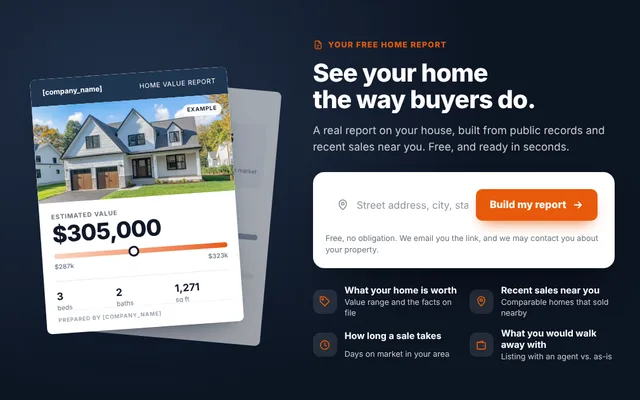
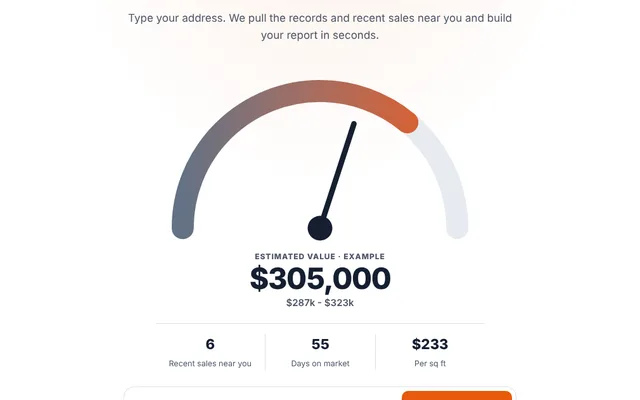
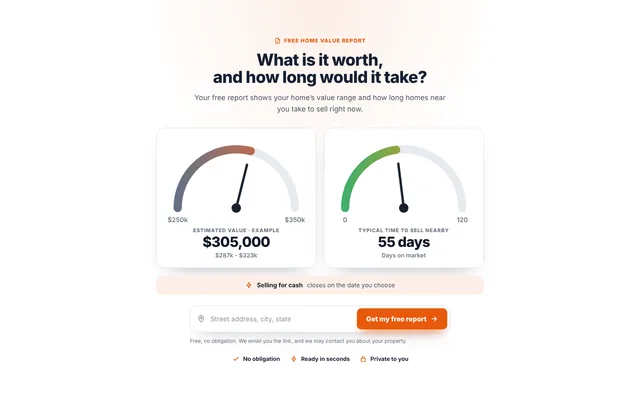
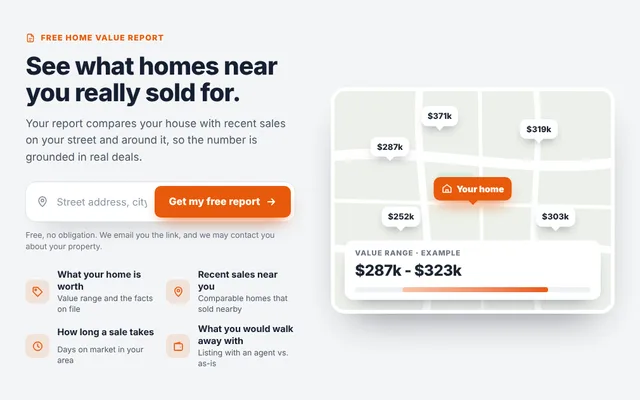
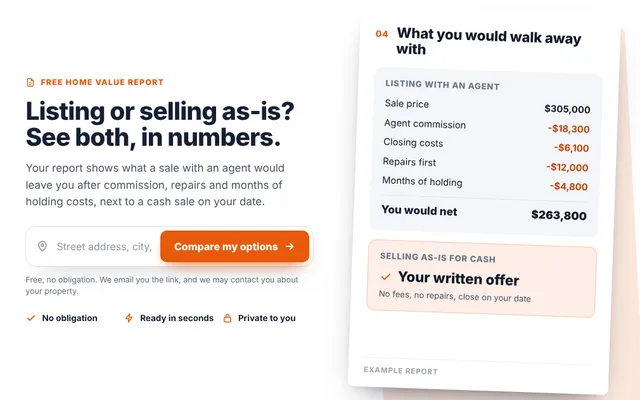
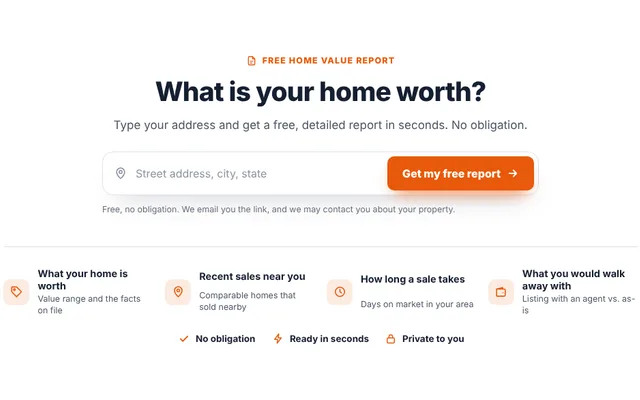
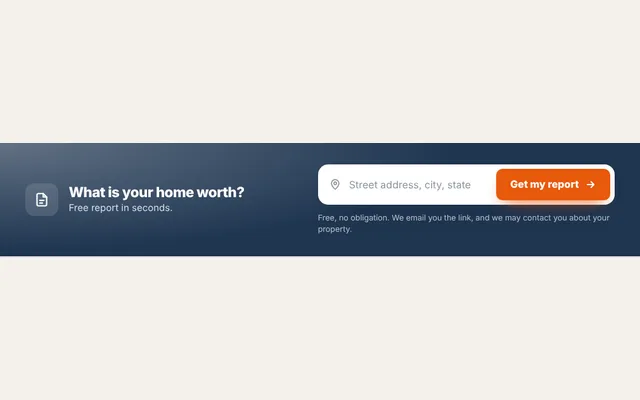
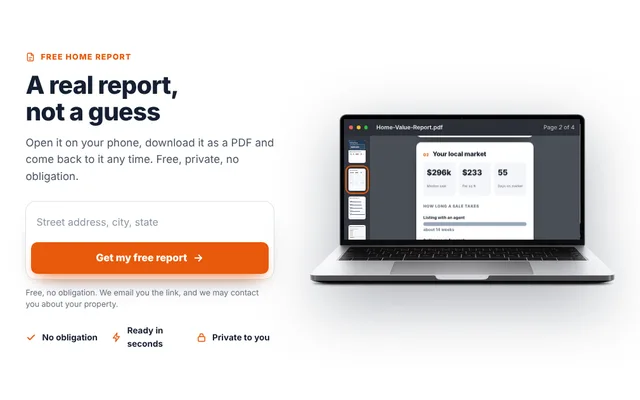
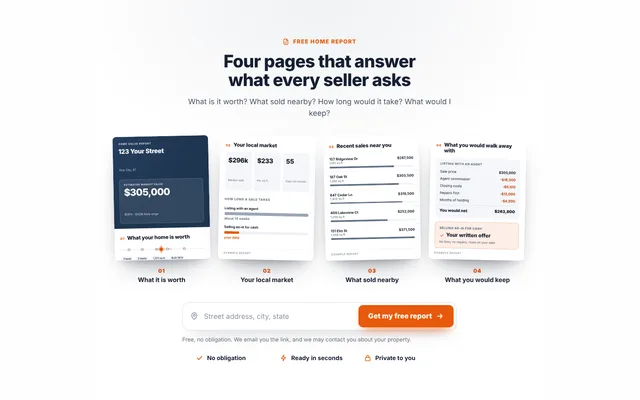
The seller types their address and email and gets a real report in seconds: what the house is worth, what sold nearby, how long homes take to sell, and what they would walk away with listing versus selling as-is. You get the lead, and an alert when they come back to it.
“What is my house worth?”
The seller wants a number today. Their report puts your cash offer one tap away, and you get the lead the moment they ask.
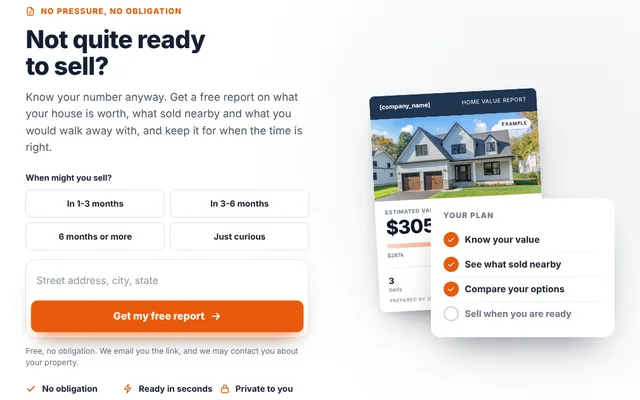
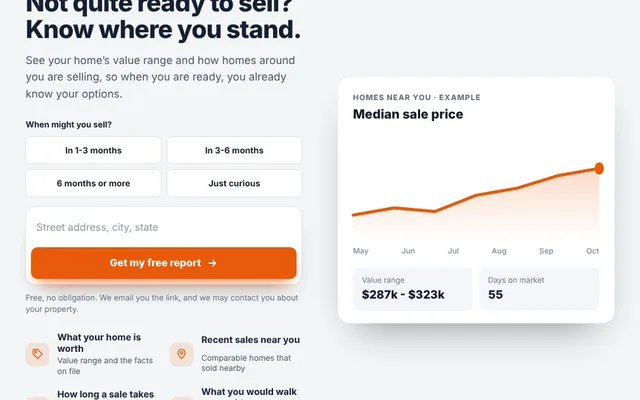
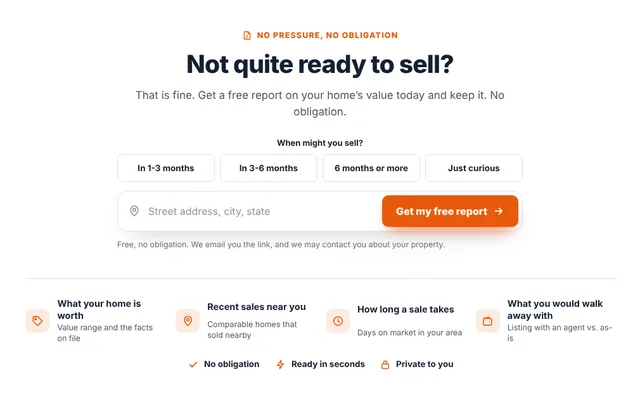
Saved on the lead as: ready now“Not quite ready to sell?”
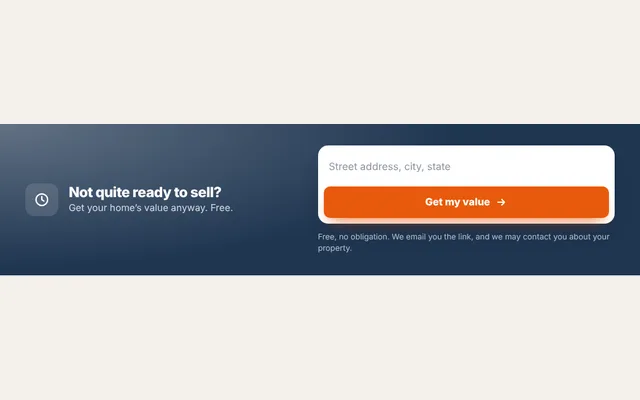
They are months away. They still get their report and keep it, and they tell you when they might sell. That timeline sits on the lead, so you follow up at the right time instead of never.
Saved on the lead as: 3–6 months, 6+ months or just curious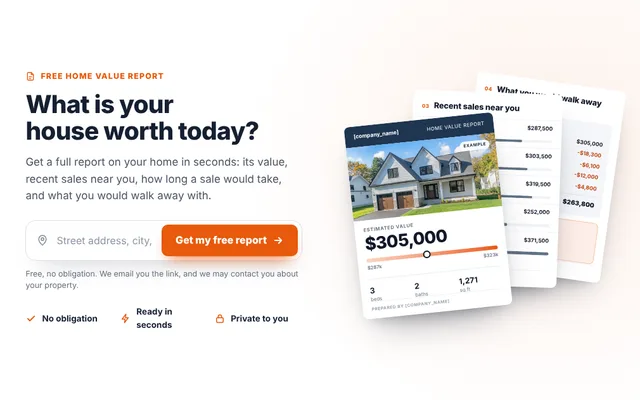
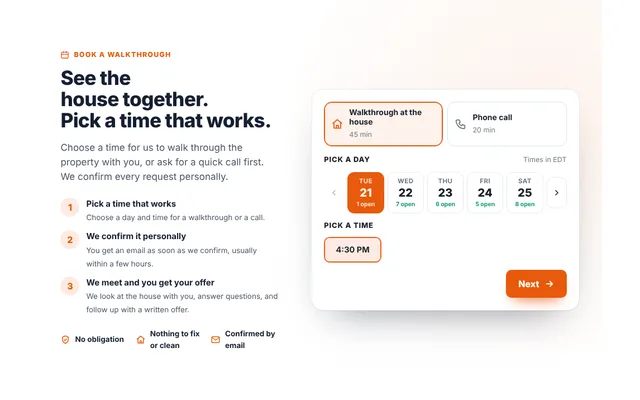
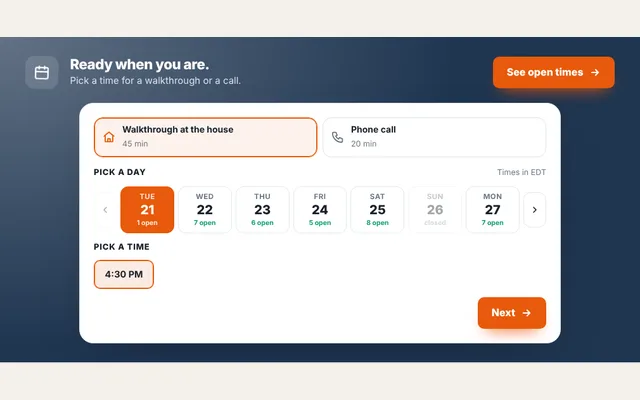
Sellers pick a time.
You decide if it is worth the drive.
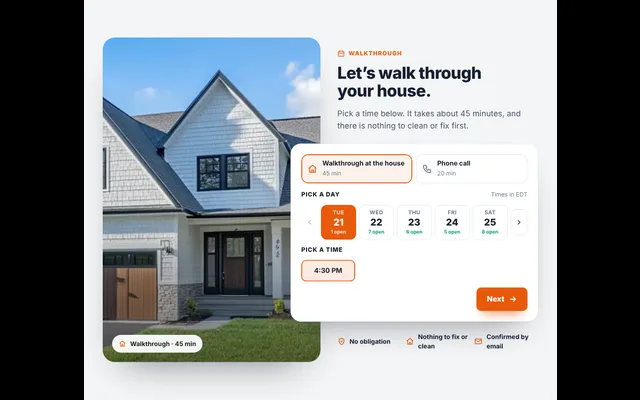
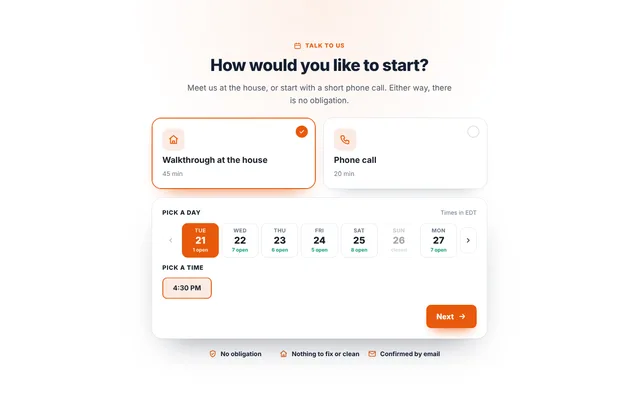
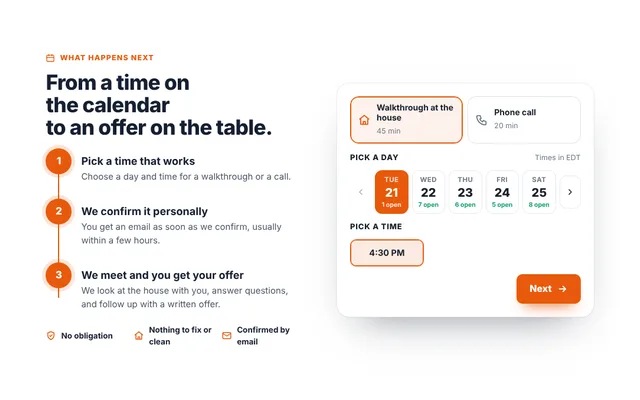
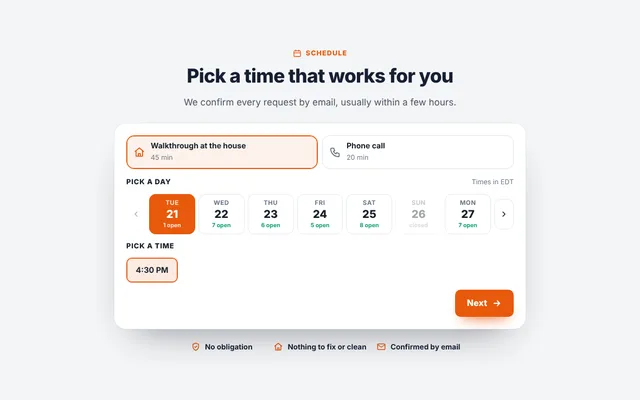
The seller chooses a walkthrough at the house or a quick call, and a time inside your hours. They are told plainly it is a request. You get an email and a text with one-tap Confirm and Decline buttons, and they hear back either way. No more driving across town for a house with no deal in it.
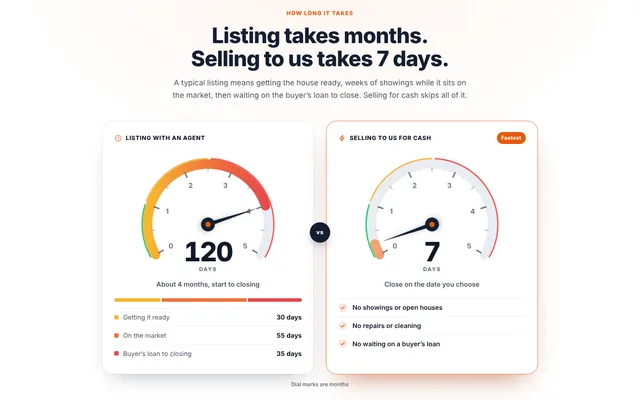
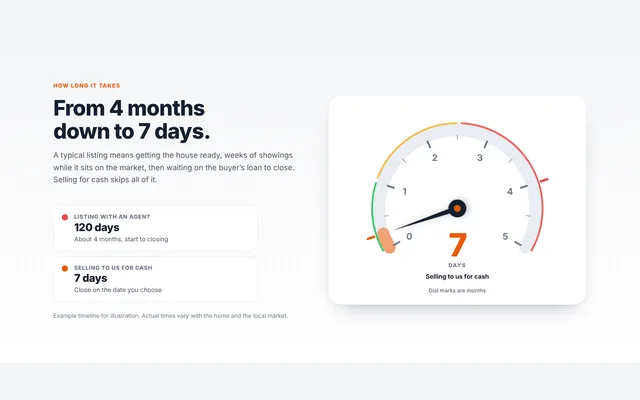
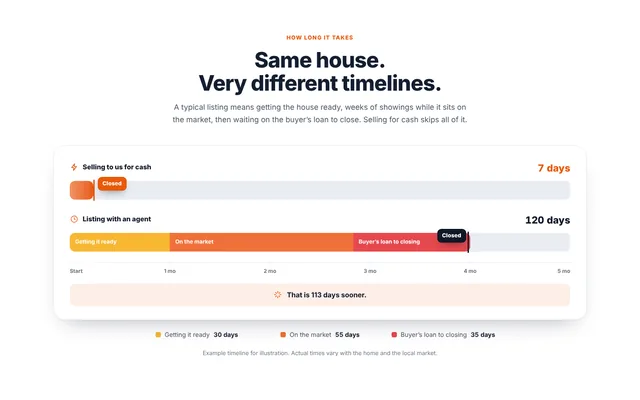
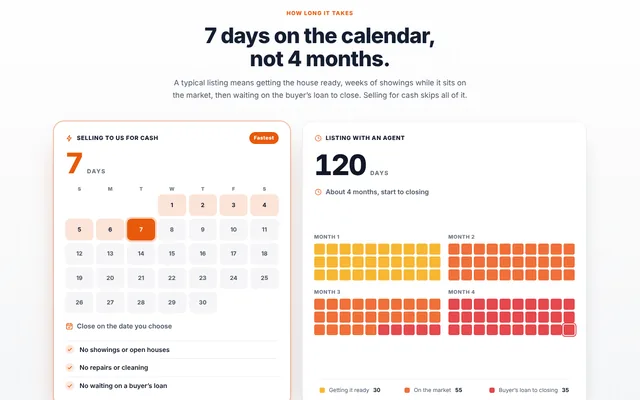
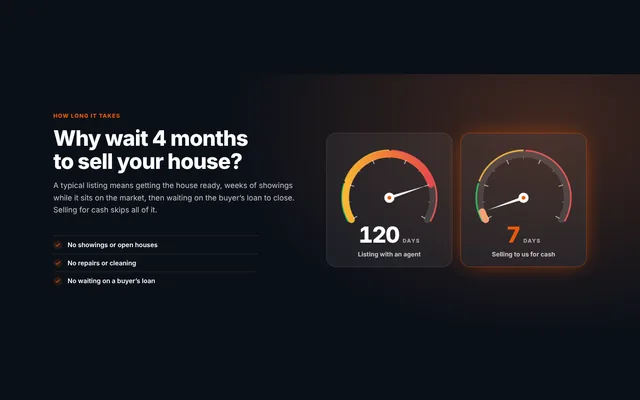
Four months with an agent.
Seven days with you.
Animated gauges, a timeline race and a calendar that show a seller how long a listing really takes against how fast you close. The needles swing into place as the section scrolls into view. You set the numbers, and the headline updates itself to match.
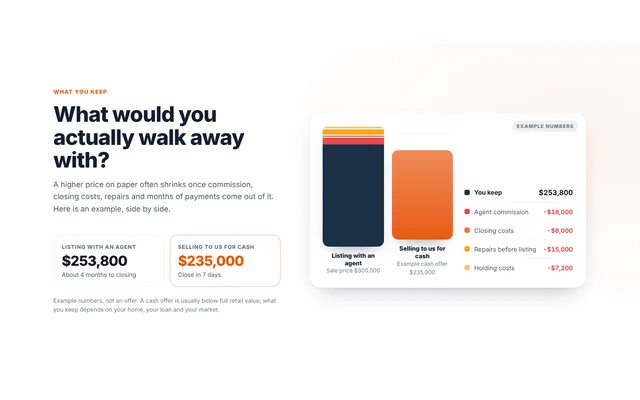
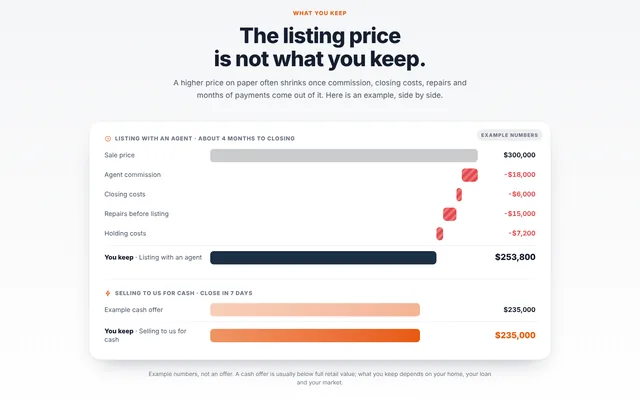
The listing price
is not what they keep.
Commission, closing costs, repairs and months of payments come off the top of a listing. These designs lay that out next to your cash offer, as stacked bars, a waterfall, two printed receipts or a dark side-by-side, so the seller compares the real numbers.
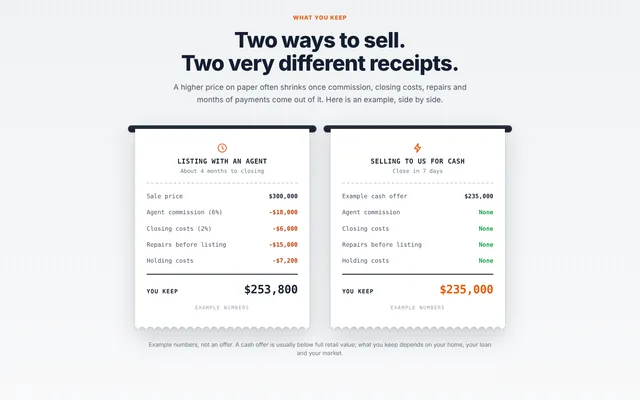
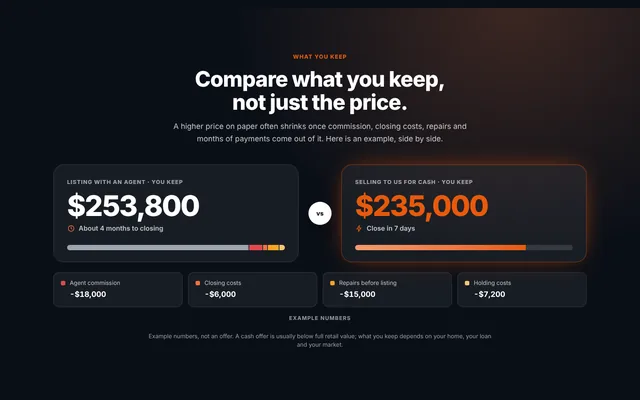
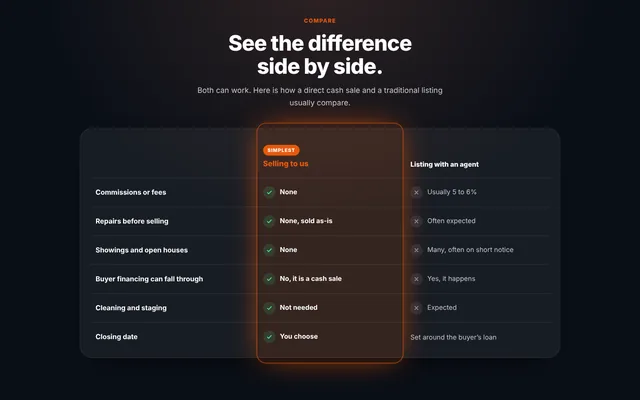
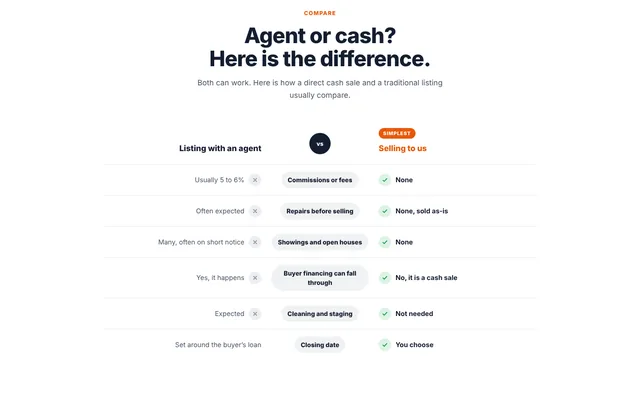
Selling to you, or listing with an agent.
Row by row.
Commissions, repairs, showings, financing that falls through, the closing date: each row compares selling to you with listing, and the checkmarks draw themselves one row at a time. Add an Online iBuyer column if sellers in your area ask about them.
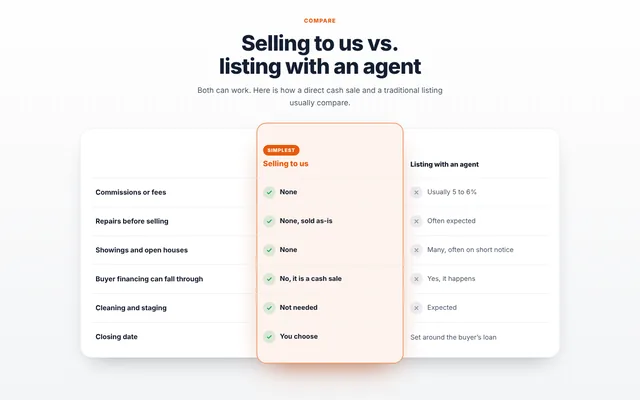
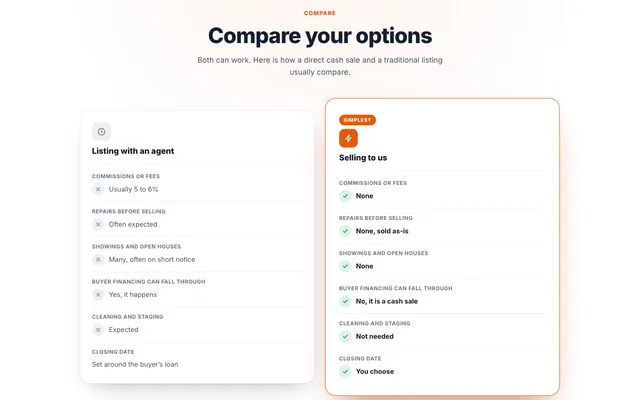
Tell them exactly
what happens next.
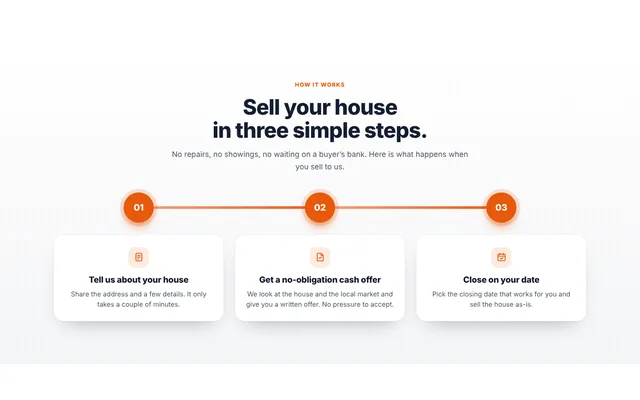
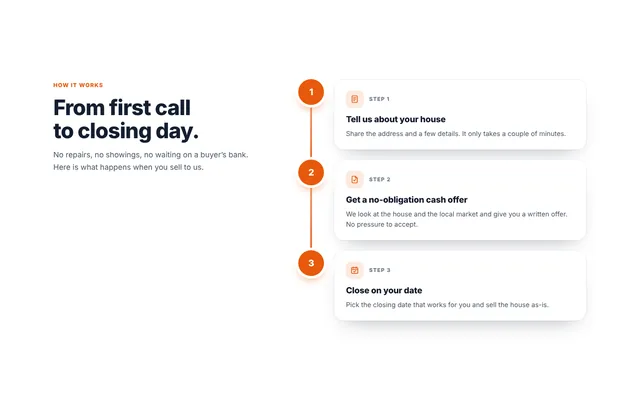
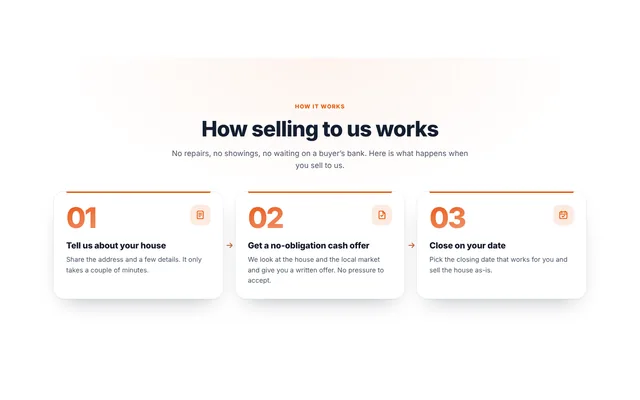
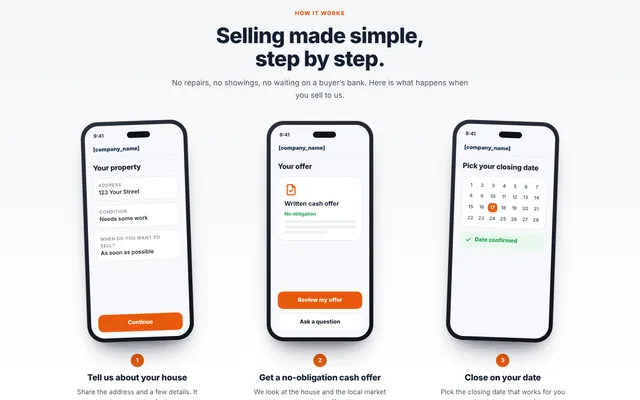
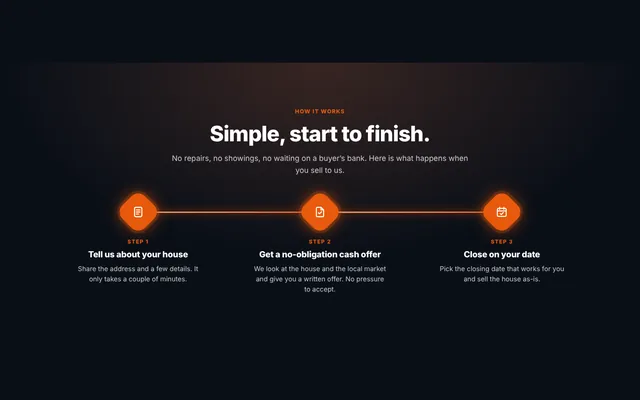
A seller who knows the steps is a seller who calls. Show yours as a timeline, a vertical rail, numbered cards or three phone screens. In three of the designs the line fills as the seller scrolls and each step lights up when it reaches it.
$0 commission. 0 repairs.
Counted up in front of them.
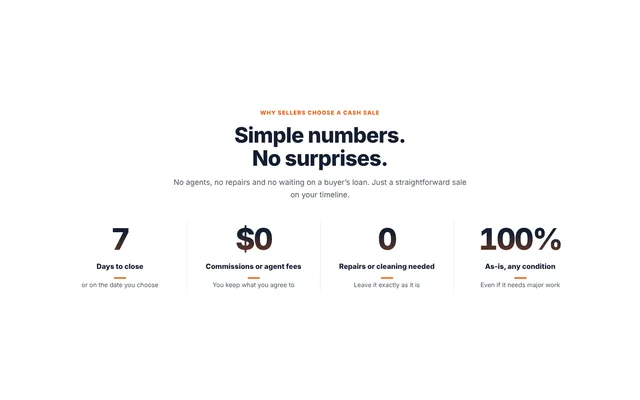
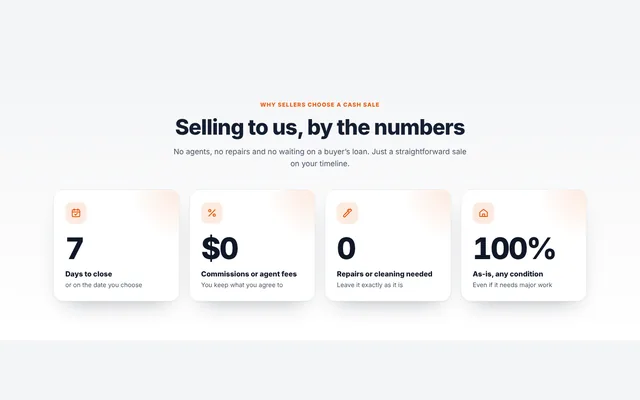
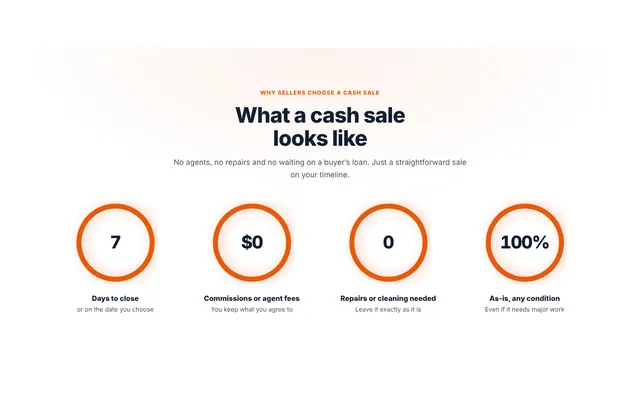
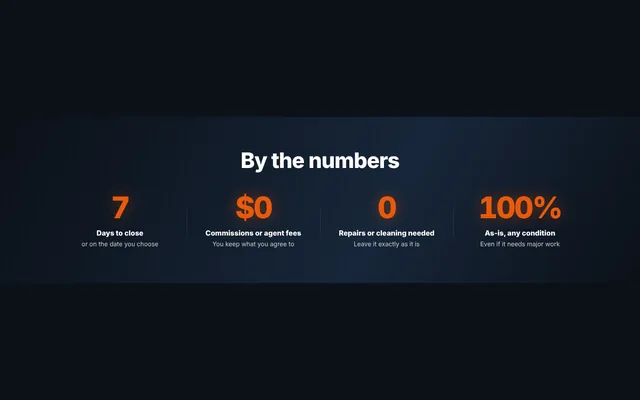
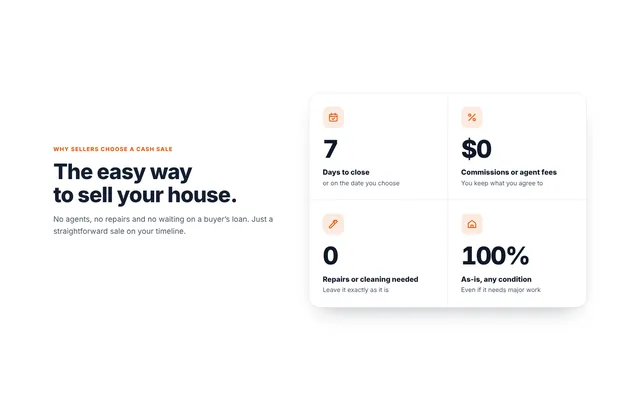
Big numbers that count up as the seller scrolls to them. The defaults are things true for any cash buyer, plus your own days to close. Add how many houses you have bought when you are ready; we never make that number up for you.
Inherited, behind on payments, tired of tenants.
They find theirs here.
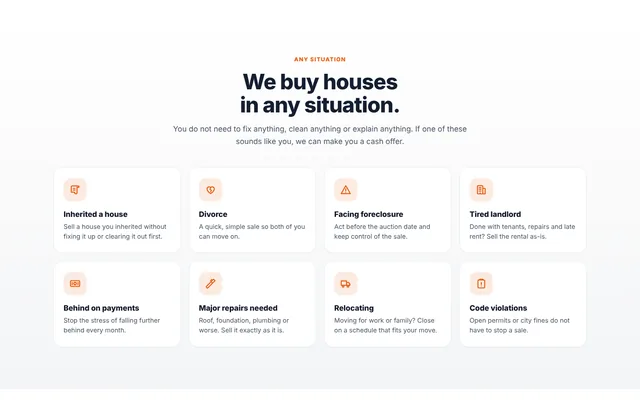
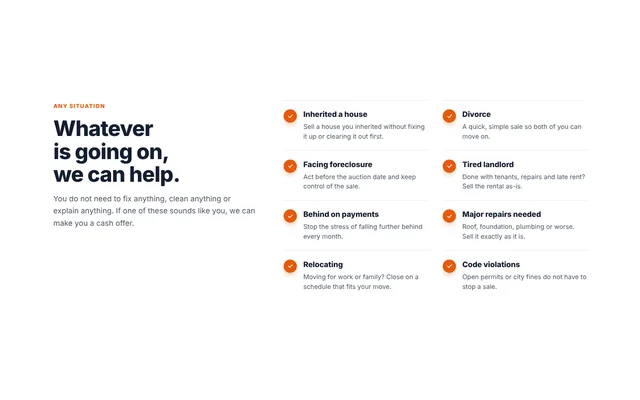
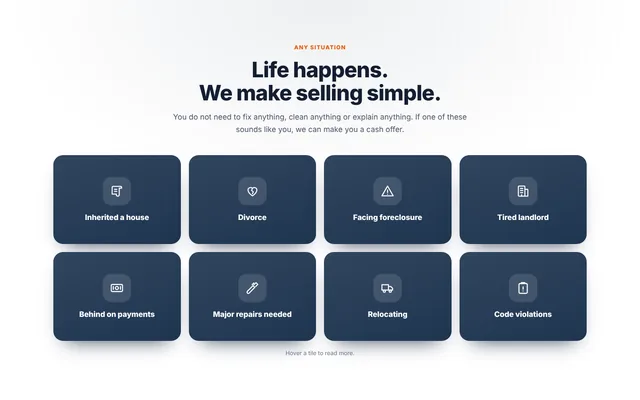
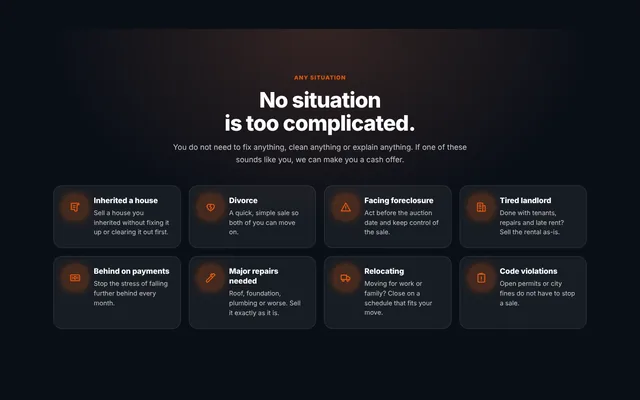
Twelve situations come built in: inherited houses, divorce, foreclosure, tired landlords, major repairs, code violations and more. Pick the ones you buy, reword them, add your own and put them in order. On the flip-tile design, each tile turns over to explain how you help.
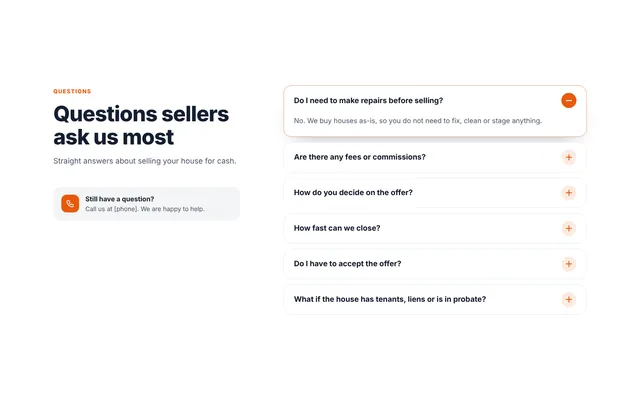
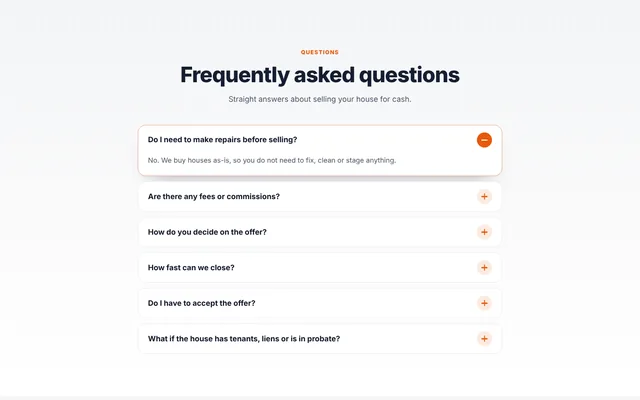
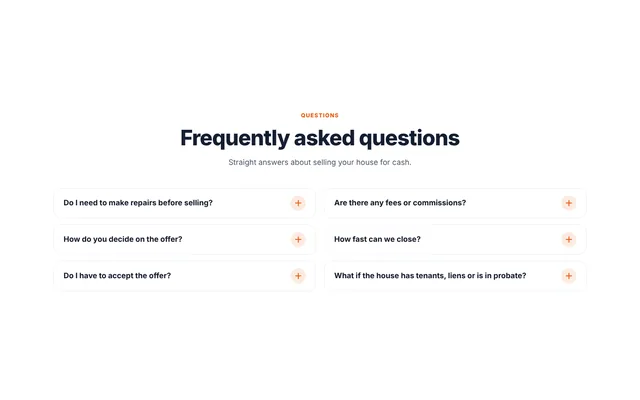
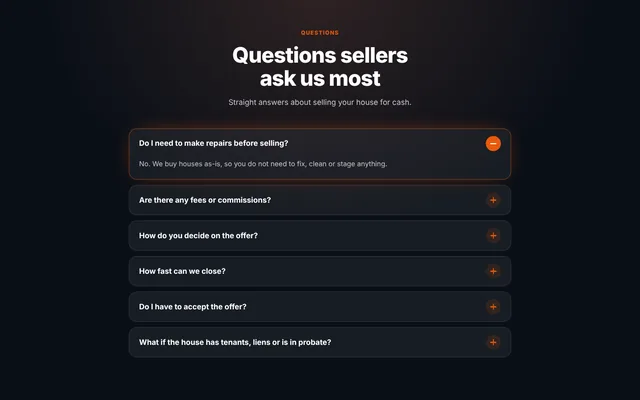
The questions every seller has.
Answered on the page.
Do I need to make repairs? Are there fees? How fast can you close? Six straight answers come ready, and you can rewrite them, add more and reorder them. Sellers open the one they care about.
The blocks every site gets on day one.
They sit in the same block library, next to everything above.
A form that asks the next question based on the last answer, so you know whether the house is worth a call before they finish typing. More →
Half your visitors see one headline, half another. A week later you know which one got more calls.
A map of the houses you have bought, filling itself in from your CRM. Proof you really work this area.
Your real reviews from Google or pasted in, in a design that matches your site.
Where people clicked and how far they read before leaving. No code to paste.
Made a section you like? Save it and reuse it on every page and every site. Change it once, it changes everywhere.
Change anything.
It still looks designed.
Pick a design
Switch between designs at any time; your words and settings come with you.
Your words
Every headline, paragraph and button is yours to rewrite. Empty a line and it disappears.
Your colours
Blocks follow your site’s button and brand colours, or pick any colour for one block.
Backgrounds
The design’s own, white, a tint, dark or your brand colour, edge to edge.
Swap sides
Put the picture on the left or the right with one switch.
Show or hide parts
The trust line, the phone field, the steps: keep what helps, drop what doesn’t.
Know which spot worked
Name each spot, and every lead shows which block and which page it came from.
Spanish
One setting switches the block, the form and the emails the seller gets.
Ask for a section.
Humphrey puts it there.
Humphrey, your Apex Vivus assistant, knows every block on this page. In the page editor, tell him what you want in plain words and he adds the block, picks a design that fits and fills in the wording. You can change anything he does.
When you start a new site, he asks about your business: the towns you buy in, the houses you focus on, how fast you can close and what makes you different. Answer by typing, or just talk to him. He writes your site in your words.
Good to know.
Do I need to know anything about websites or coding?
No. You drag a block onto a page, pick a design, change the words and colours if you like, and press Save. Every block follows your site's own colours and fonts, so it looks like it was made for your site.
Do the blocks work on phones?
Yes. Every design rearranges itself for a phone, a tablet and a wide screen. The buttons are big enough for a thumb, and nothing scrolls sideways.
Are the animations distracting?
They play once, when the block scrolls into view, and stop. Visitors who have turned animations off on their phone or computer see the finished design straight away.
Can I have the blocks in Spanish?
Yes. Every block on this page switches to Spanish with one setting. For Instant Offer, the Home Report and walkthrough booking, that includes the emails the seller receives.
What does the Home Report cost?
A report uses 5 credits ($0.50) from your Apex Vivus wallet when the property data has to be looked up. A house already looked up in the last 30 days is free. With no credits left, the seller is still saved as a lead and told the report is being prepared; it finishes as soon as you add credits.
Does booking put appointments straight on my calendar?
No, and that is the point. A seller's time is a request until you confirm it. You see the house, their note and their number first, and decide whether the drive is worth it. When you confirm, they get the calendar invite.
What happens to sellers who say they are not ready yet?
They are saved as leads with the timeline they chose (1 to 3 months, 3 to 6 months, 6 months or more, or just curious), so you can sort them and follow up at the right time from your Apex Vivus CRM. If they open their report again weeks later, you get an alert, because that is often the moment they get serious.
Can Humphrey add these blocks for me?
Yes. The first time you open your home page, Humphrey offers to add the seller sections in one click, already filled in with the days to close and the situations you told him about at signup. Any time after that, ask him in the page editor, for example "add a walkthrough booking section near the bottom", and he drops it in. You can change anything he does.